Stop switching apps and copy-pasting endlessly.
Eliminate "wasted time" completely.
Insert directly from keyboard!
No app switching needed
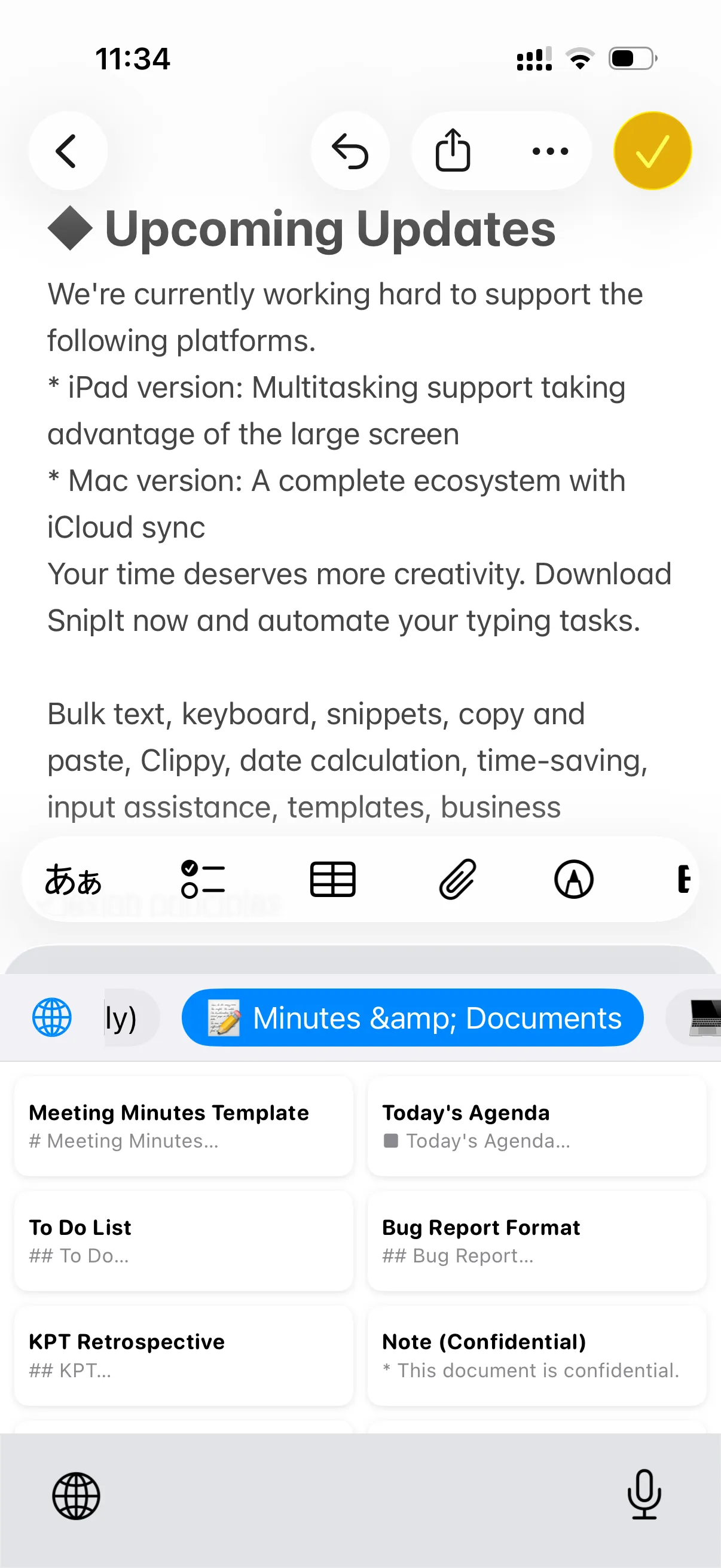
No need to switch apps. Switch to SnipIt Keyboard and tap to insert.
It works in Mail, Messages, Discord, and any text field.
Keep your hundreds of snippets tidy. Create folders for "Business", "Coding", or "Private".
Swipe gestures make managing your collection satisfyingly smooth.
Don't start from scratch. Export your snippets from your Mac and import them instantly to
SnipIt.
We support XML standard format so your data migration is just one tap away.
SnipIt secures your data with Face ID / Touch ID.
We calculate nothing on the cloud. Everything is stored locally on your device
or your private
iCloud.
Simple yet powerful features designed to make your daily typing effortless.
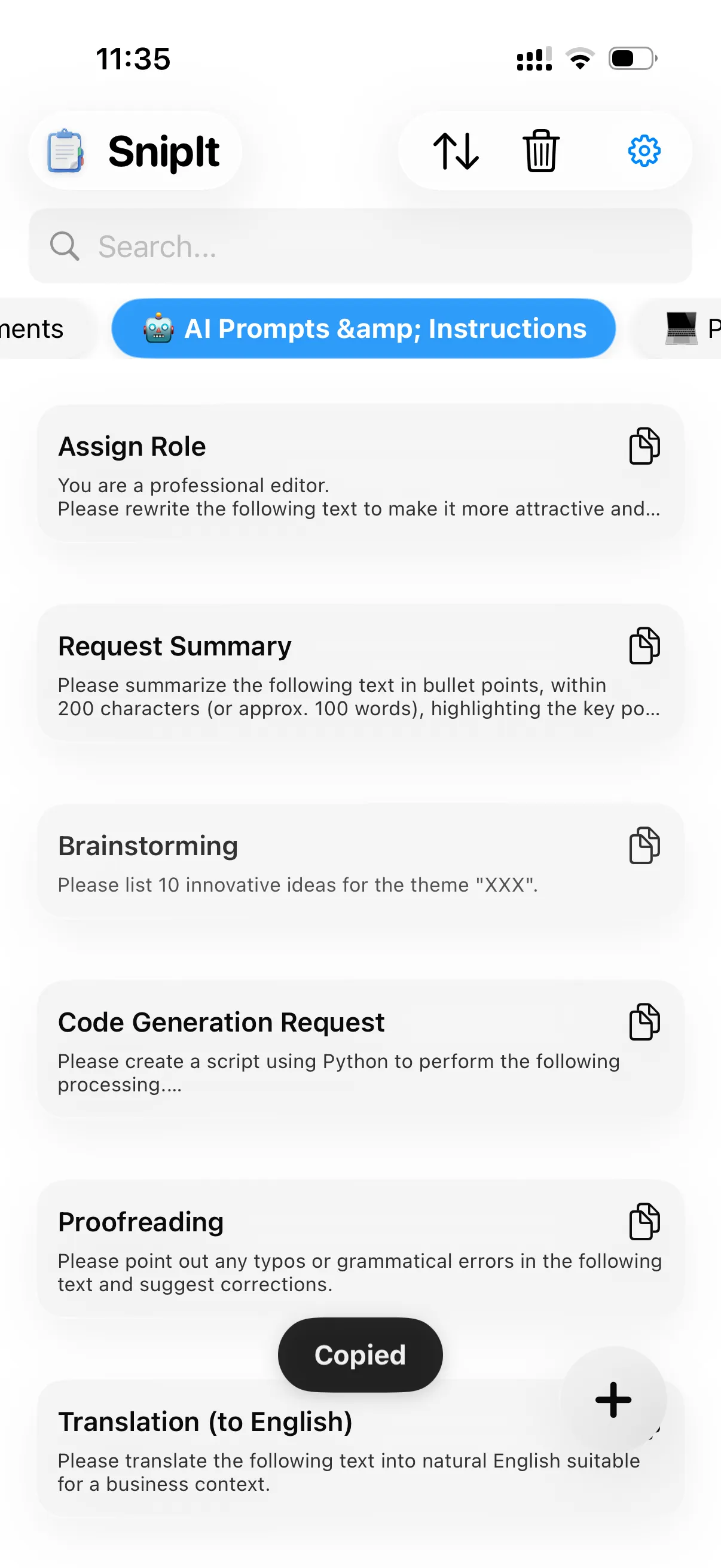
Organize snippets by category into folders. Switch between tabs for quick access.
Search by title or content keywords. Find exactly what you need in seconds from hundreds of templates.
Just tap the list to copy to clipboard. No complex operations needed.
Automatically matches your OS settings. Easy on your eyes at night.
Automatically converts to the current date when pasted. Perfect for daily reports and meeting notes.
Learn more{{date}}
1/26
Bring your existing snippets to iPhone. Supports standard XML format.
Export your snippets
as XML from any
clipboard manager.
Send the file via AirDrop or iCloud
Drive
to your iPhone.
Just select the file from 'Import
XML'
in settings. Done!
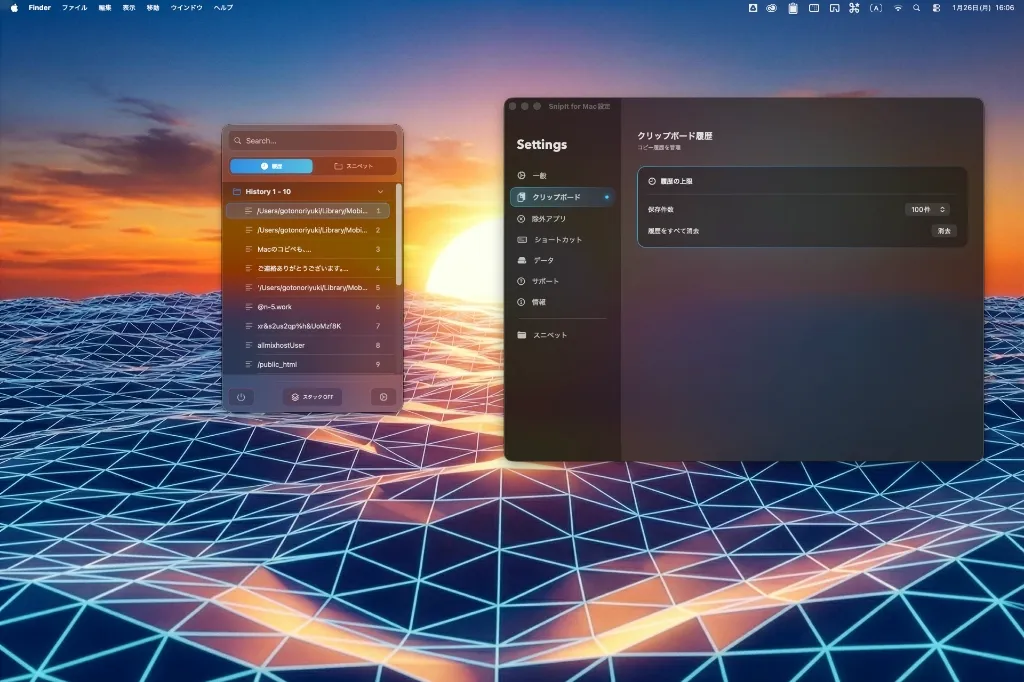
Use both iPhone and Mac versions to maximize your productivity.
Instantly access Mac snippets on your iPhone on the go.
Open links saved on iPhone directly on your office Mac.
No more barriers between devices.
Calls with Cmd+Shift+V.
Input any text without taking your hands off the keyboard.
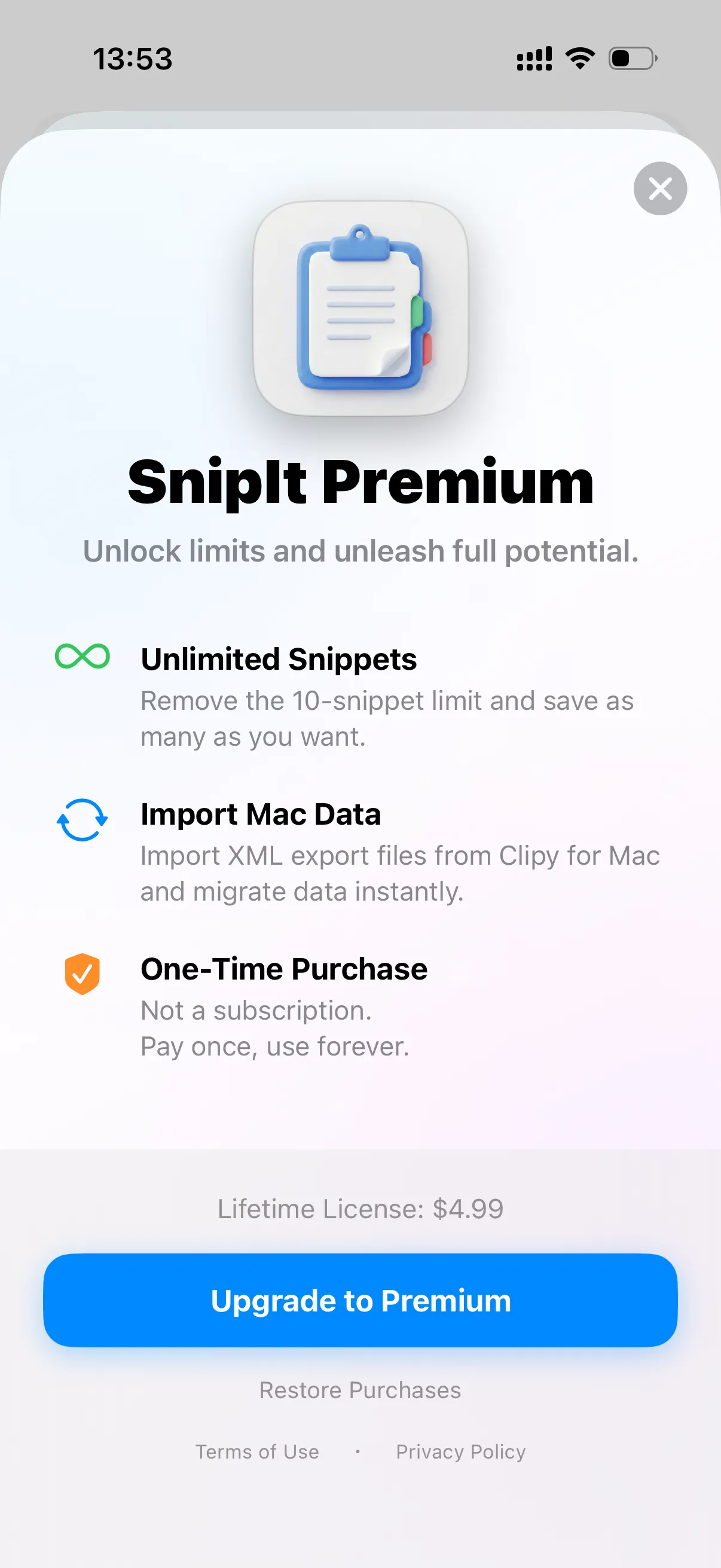
Start for free. If you like it, unlock limits for the price of a coffee.
Get it while it's early!
No, SnipIt is a 'One-time purchase' app. Once you buy the Premium plan, you can use it forever without extra fees.
Export as XML from settings and import on your new iPhone. Premium purchase can be restored for free via 'Restore Purchase' button.
SnipIt uses standard XML format. Other clipboard tools with compatible XML structure may work.
We are constantly evolving based on your feedback.
(*iPad and Mac versions are planned as separate paid apps)
Optimized for large screens. Manage snippets comfortably with 2-pane view.
Split View support makes multitasking seamless.
Save on iPhone, appear on iPad and Mac instantly.
Seamless workflow across all your devices.
One-tap access to your favorite snippets from Lock Screen and Home Screen.
We are constantly improving SnipIt based on user feedback. Stay tuned for efficient updates!